Understanding UX Accessibility: Why It Matters and How to Implement It
In today's digital landscape, ensuring that every user can access and navigate your website or application is more crucial than ever. This is where UX accessibility comes into play. But what exactly is UX accessibility, and why is it so important?
What is UX Accessibility?
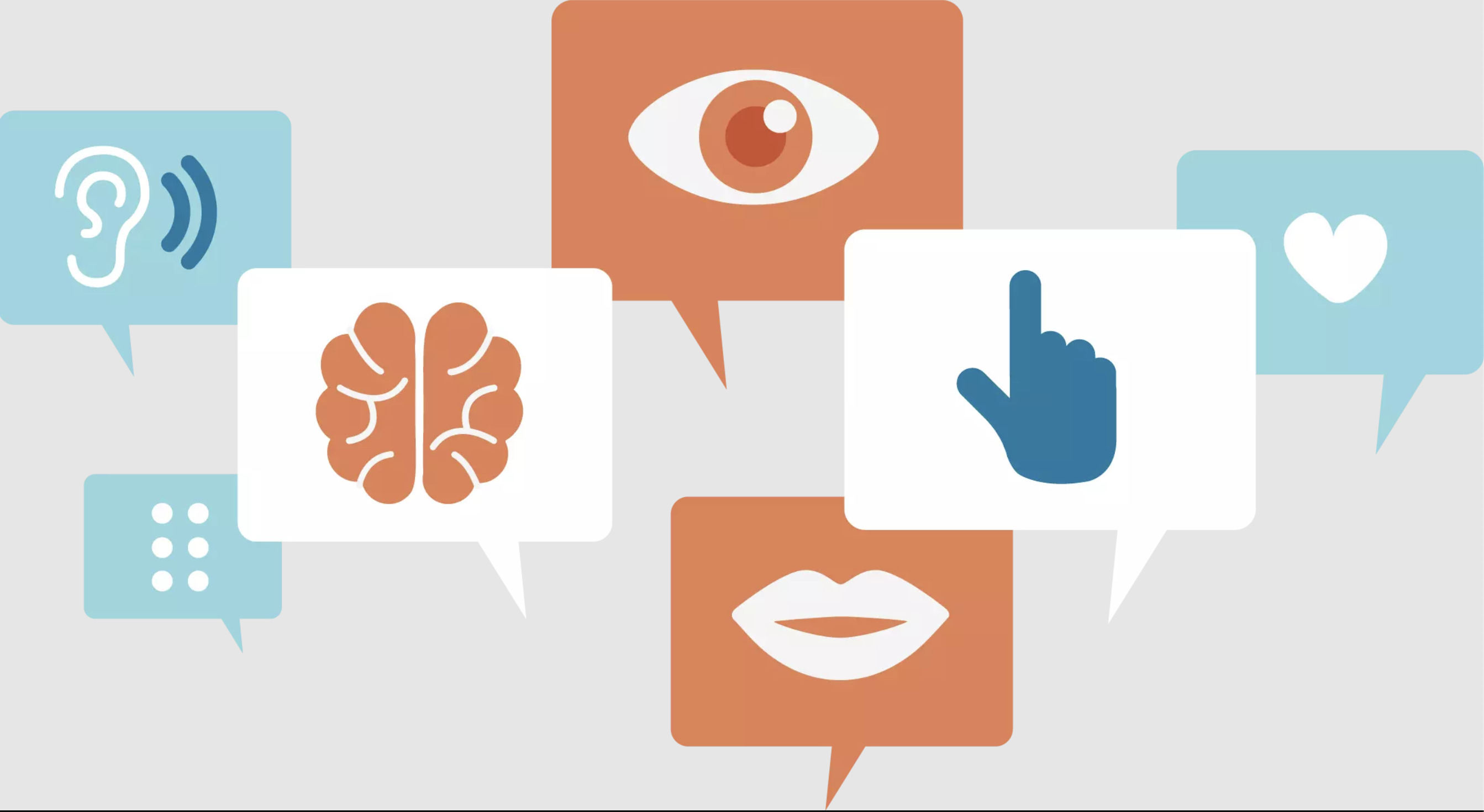
UX accessibility refers to the practice of designing digital interfaces in a way that makes them usable for people with various disabilities. This concept extends beyond just compliance with legal standards; it’s about creating an inclusive experience for everyone. UX accessibility encompasses a range of considerations, from visual impairments to cognitive challenges, ensuring that all users can interact with your digital products effectively.
The Importance of UX Accessibility
- Wider Reach: By focusing on UX accessibility, you expand your potential audience. The World Health Organization estimates that over a billion people worldwide live with some form of disability. Designing accessible interfaces means you’re not excluding this significant portion of the population.
- Improved User Experience: Accessible design often results in a better overall user experience. Features that benefit users with disabilities, such as clear navigation and readable fonts, also enhance usability for everyone. For instance, captions on videos are useful not only for those who are deaf or hard of hearing but also for users who prefer to watch content without sound.
- Legal Compliance: Many countries have laws and regulations that mandate accessibility in digital content. For instance, in the United States, the Americans with Disabilities Act (ADA) and Section 508 of the Rehabilitation Act require that digital services be accessible to individuals with disabilities. Ensuring your site meets these standards helps avoid potential legal issues and demonstrates social responsibility.
Key Elements of UX Accessibility
- Visual Accessibility: This involves ensuring that text and visual elements are easy to see and read. This can be achieved through high contrast between text and background, scalable fonts, and alternative text for images. Tools like screen readers, which convert text to speech, are crucial for users with visual impairments.
- Keyboard Navigation: Not all users can use a mouse or touch screen effectively. Keyboard navigation ensures that users can access all functionalities of your website using keyboard shortcuts. This is essential for individuals with motor disabilities.
- Readable Content: Content should be written in clear, simple language. Use headings, bullet points, and short paragraphs to make information easier to digest. This not only helps users with cognitive disabilities but also improves overall readability for everyone.
- Interactive Elements: Forms, buttons, and links should be easily identifiable and operable. Ensure that interactive elements are properly labeled and that users receive feedback when an action is completed.
How to Implement UX Accessibility
To implement UX accessibility effectively, start by evaluating your current design through accessibility testing tools and user feedback. Websites like Accessibility Spark offer resources and insights into creating accessible UX designs. Additionally, involving users with disabilities in testing can provide valuable perspectives that automated tools might miss.
Incorporating accessibility from the start of the design process is key. It’s easier to build inclusive features into your design than to retrofit them later. Regularly update and review your design practices to align with the latest accessibility standards and guidelines.
Conclusion
UX accessibility is not just a technical requirement but a commitment to creating a digital world that is inclusive for all users. By prioritizing accessibility, you enhance the user experience, broaden your audience, and meet legal requirements. For more detailed guidance on making your digital products accessible, visit Accessibility Spark. Embrace UX accessibility as a core aspect of your design process, and you’ll be contributing to a more inclusive and user-friendly digital environment.
Public Last updated: 2024-08-05 08:14:17 AM