The Best Ways to Enjoy Afrobeats Through MP3Juice
By MP3Juice ·
Finding Afrobeats online can be frustrating when searches return duplicate titles, unclear versions or pages that are difficult to use on a phone. MP3Juice is often searched as a way to locate music, but listeners should distinguish between searching for a track, streaming it in a browser and downloading a copy.
A more reliable routine starts with precise search terms, a quick preview and a check that the music is available from a lawful source. The same approach helps South African listeners discover Afrobeats alongside Amapiano, Gospel, Gqom and Maskandi, while managing mobile data and device storage.
Key Takeaways
- Search by artist and track title to narrow Afrobeats results and avoid similarly named songs.
- Preview audio and check source details before saving a file to your device.
- Mobile data settings and offline listening choices affect convenience, storage and cost.
- Explore Amapiano, Gospel, Gqom and Maskandi alongside Afrobeats to broaden your listening.
How can you find the right Afrobeats track with MP3Juice?
Begin with the artist’s name and the exact song title, then add a useful qualifier such as “official audio” or “live” if you want a particular version. Broad searches like “Afrobeats hits” can surface compilations and unrelated uploads, whereas a specific phrase makes it easier to compare results.
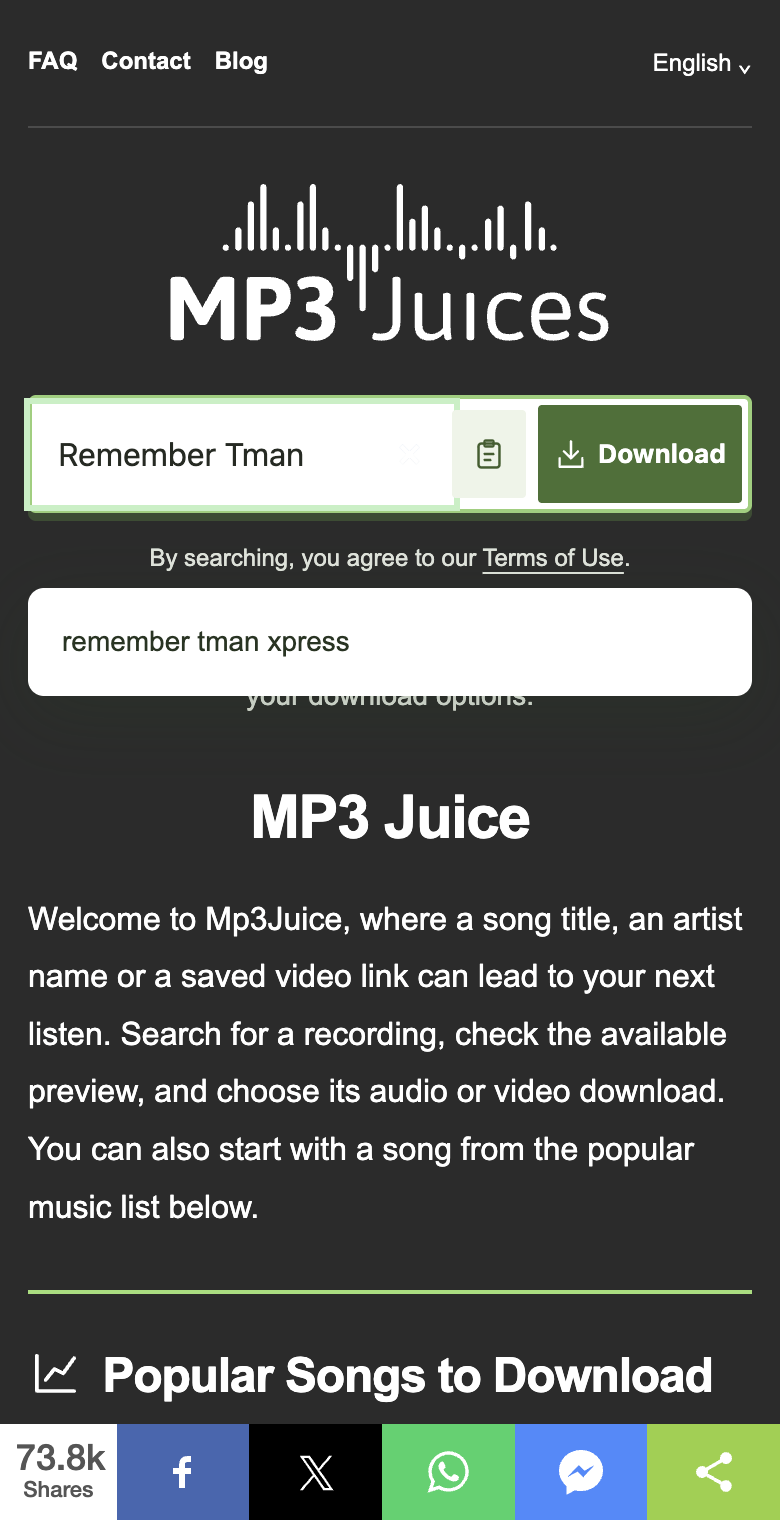
Before selecting a result, check the displayed title, artist and duration against information from the artist or label. Search results can include edits, covers or misleading filenames, so treat a match as a candidate rather than proof that the recording is authentic; readers comparing discovery options may consult mp3juice.farm/liked for context alongside those checks.
What search details help separate remixes from original songs?
Add one distinguishing word at a time: “remix,” “acoustic,” “instrumental,” or the name of a featured artist. If several tracks share a title, the album name or release version can narrow the results further, while checking duration helps identify a short preview or an extended mix.
For example, search “artist name song title official audio,” listen to the opening section, then compare the result’s duration and credits with a trusted artist or label page. If those details disagree, do not assume that the file is the version you intended; refine the query or use a licensed music service.

How do you listen on a phone without wasting mobile data?
Browser playback is convenient for sampling songs, but repeatedly streaming the same track uses data each time unless the service offers caching. On mobile, check whether audio quality can be adjusted, close unnecessary tabs and use a trusted Wi-Fi connection for longer listening sessions when available.
Downloads can make music accessible when reception is poor, but only save tracks when the source authorizes downloading and the file is safe to keep. Check the file type before opening it, avoid installers or unexpected executable files, and review available storage; a music track should not require installing an unrelated app.
How can you make a simple listening plan?
Suppose you want to sample ten songs while travelling and each stream uses roughly 5 MB at the chosen quality. That session would use about 50 MB; if you replay all ten once, allow roughly 100 MB, though actual use varies with bitrate, buffering and the player.
Set a practical limit before listening: stream a few new tracks, note the ones worth revisiting, and use an authorized offline option for repeat plays. To try the routine, search for three Afrobeats artists, preview one track from each, then compare their sound with a few local releases without downloading anything automatically.
Which online music player suits Afrobeats and South African music?
A browser-based player is useful for quick discovery because it avoids filling a phone with files, but playback may stop when the tab closes or the connection drops. A dedicated app can offer playlists, recommendations and offline listening, although those features may require an account or paid plan, so check the service’s terms first.
MP3Juice and similar search tools may help locate audio, but they are not a substitute for a licensed catalogue with clear artist credits and playback rights. For a closer look at how music discovery services differ, listeners can compare maskandi music highlights with the controls and catalogue details offered by their preferred player.
What are the trade-offs between search tools and licensed players?
Search tools can feel direct when you already know a track name, yet source quality, metadata and permissions may be inconsistent. Licensed players usually provide clearer catalogue information and curated recommendations, while their limits can include account requirements, regional availability or subscription features.

For South African music, search by a specific artist or style rather than relying only on a global trending list. Amapiano playlists may lead to Afrobeats collaborations, while Gospel, Gqom and Maskandi offer different rhythms and vocal traditions; checking artist credits helps distinguish a genuine collaboration from a playlist label.
How can you explore Afrobeats alongside South African genres?
Use a short, intentional discovery sequence instead of an endless search: choose one Afrobeats song, identify a collaboration or production detail you like, then search for a South African artist with a related sound. This creates a useful bridge between genres without implying that Afrobeats and Amapiano are interchangeable.
- Search Afrobeats by artist, track title and version.
- Explore Amapiano playlists for regional collaborations and new voices.
- Try Gospel, Gqom or Maskandi to hear contrasting arrangements.
- Save artist names and verify credits through reliable pages.
A concrete listening session might pair one Afrobeats track with an Amapiano song that shares a featured vocalist, followed by a Gospel or Maskandi selection for contrast. Keep a note of the artist, title and source for each discovery; this small habit makes it easier to find the same recording later and avoid confusing edits.

When a new track catches your attention, follow the artist’s official channels or a licensed catalogue for release details and related work. Readers who want another perspective on finding music can also review afrobeats music search, then confirm availability and permissions before choosing where to listen.
Frequently Asked Questions
Can I use MP3Juice to stream Afrobeats without downloading?
That depends on the page and available playback controls; a search result does not guarantee direct streaming. If the source is unclear, use a licensed player that identifies the track and states how playback works.
How can I tell whether an Afrobeats download is safe?
Only download from a source that authorizes it, and check that the file is an expected audio format. Avoid prompts for installers, browser extensions or unrelated apps, and scan suspicious files rather than opening them.
Will listening offline reduce mobile data use?
Yes, if you save music through an authorized offline feature while connected to Wi-Fi, later playback generally avoids streaming that audio again. The feature may require an account or subscription, so check its terms and storage limits.
How do I find South African Afrobeats collaborations?
Search using both artists’ names and the track title, then verify the credits on an artist or label page. Try related Amapiano playlists as well, since collaborations may be categorized by either artist or genre.
What should I choose if a song appears in several versions?
Compare the artist credit, duration and version label, such as “remix” or “live,” with a reliable catalogue listing. If those details remain uncertain, listen through a licensed service with clearer metadata instead of saving an unidentified file.