How to Convert YouTube Music to MP3 Easily
By MP3Juices ·
Want to listen to a YouTube Music track as an MP3 on your phone or music player? The right approach depends on what you mean by “convert”: YouTube Music offers listening features through its service, while saving audio from a video or stream may be restricted by copyright, the platform’s terms, or the rights holder’s permissions.
Before searching for a youtube music to mp3 converter, it helps to understand audio formats, source quality, and legal options for offline listening. This guide explains how to assess a track, find authorized audio, and choose settings that suit your devices without mistaking a file extension for a guarantee of sound quality.
Key Takeaways
- MP3 is an audio format, while MP4 can contain both video and audio.
- Higher bitrate can preserve more detail but cannot restore quality missing from a source.
- Check permissions and service terms before saving or converting online music.
- Downloaded audio can reduce mobile data use when played offline.
Can you convert YouTube Music to MP3 legally?
A converter changes or extracts a file; it does not grant permission to copy the music. Tracks may be protected by copyright, and downloading or extracting them outside approved features can violate a service’s terms or the rights holder’s rules, even if a website makes the process appear simple.
First check whether the artist, label, or distributor offers a legitimate download, and review the platform’s official offline-listening options. If you are comparing music search services, learn more about music search may help you explore available tracks, but confirm each source’s permissions before saving a file. A search result is a pointer, not proof that a download is authorized.
What is the difference between MP3 and MP4 audio?
MP3 is a compressed audio format supported by many phones, car stereos, and portable players. MP4 is a multimedia container, often using the .mp4 extension, that can hold video, audio, subtitles, and metadata; an MP4 video may contain an audio stream, but changing its name to .mp3 does not extract that stream.
Why does changing a file extension not convert it?
A real conversion decodes the source stream and encodes it into a different format or container. Renaming “track.mp4” to “track.mp3” changes only the label, so an audio player may reject the file or misread its contents; use a legitimate media tool only with files you are authorized to convert.
For a personal recording you own, inspect the file’s actual media information before exporting. Choose MP3 if broad device compatibility matters, or retain the original format when you need an archival copy; every lossy conversion can discard information, so avoid converting the same audio repeatedly.
How should you choose MP3 bitrate and audio quality?
Bitrate describes how much encoded data is used per second, usually in kilobits per second (kbps). A higher MP3 bitrate generally preserves more detail from the source but creates a larger file; it cannot restore frequencies or dynamics already removed from a low-quality upload or compressed stream.

What bitrate is practical for phones and headphones?
For ordinary listening, 128 kbps can be adequate when storage is tight, while 192 or 256 kbps is a common compromise for music libraries; 320 kbps produces larger files and may be useful when quality is the priority. These are practical settings, not promises that every listener will hear a difference.
Consider a simple storage estimate: a three-minute MP3 encoded at 192 kbps uses about 4.3 MB, because 192 kilobits per second multiplied by 180 seconds is 34,560 kilobits, or roughly 4.3 megabytes. At 320 kbps, the same track is about 7.2 MB, so 100 songs would take roughly 430 MB versus 720 MB, before file-system overhead.
- Check that the source is authorized and identify its actual format.
- Choose an MP3 bitrate that balances listening quality with available storage.
- Convert only a file you have permission to process, using a legitimate media tool.
- Compare playback with the original and confirm the saved file works offline.
How can you check whether a conversion degraded the sound?
Compare the converted file with the authorized original at the same playback volume, using familiar headphones and a passage with clear vocals, cymbals, or bass. Listen for harsh treble, smeared transients, or sudden changes in level; also check file properties, since an unusually high bitrate does not prove that the source had matching quality.
If you need help identifying file types or evaluating a particular search result, MP3 Juice downloads can be one point of reference alongside the file’s metadata and the publisher’s own information. Treat claims such as “lossless MP3” cautiously: MP3 is inherently lossy, and an inflated bitrate cannot reverse earlier compression.
How can you find authorized MP3 music and listen offline?
For free MP3 music searches, start with sources that explicitly provide downloads, such as an artist’s official page or a catalog that states its license and permitted uses. Search by the exact song title and artist, then verify the publisher, format, and download terms; this reduces the chance of choosing a misleading copy or an unauthorized mirror.
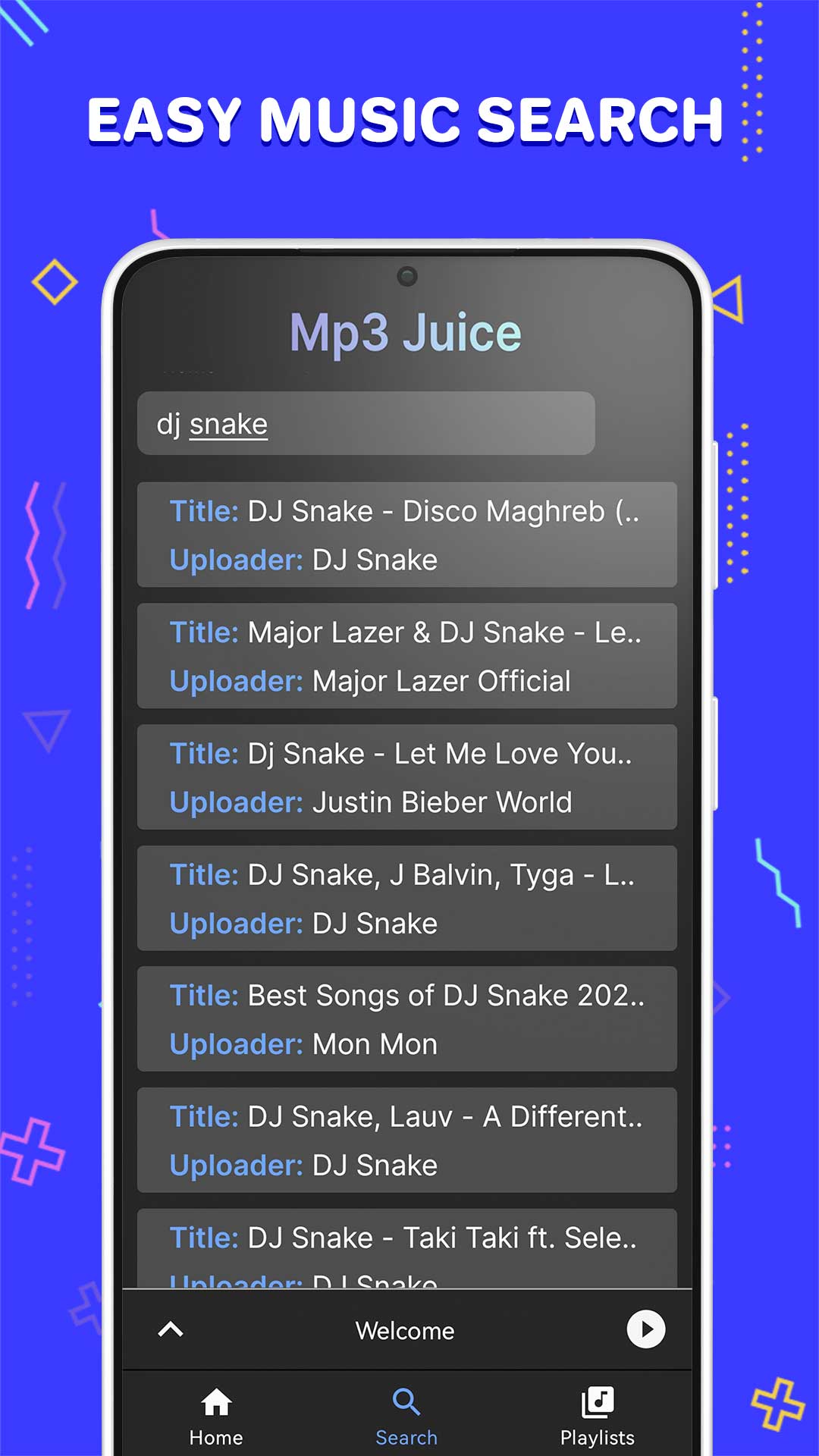
Search tools such as MP3Juices, sometimes written as MP3 Juice or MP3Juices, may appear in searches for songs, but users should assess the actual source and its permissions rather than assuming every result is cleared. When comparing a youtube to mp3 result with an official release, check attribution, file details, and whether personal listening or redistribution is allowed.
How do you reduce mobile data use while listening?
Streaming consumes mobile data each time audio is played, while a permitted offline file can be played repeatedly without another download. If you use an official offline feature, save tracks over Wi-Fi, check the app’s storage settings, and remember that some services require periodic account checks to keep offline access active.
On Android or iOS, store authorized MP3 files in a clearly named music folder or import them into a compatible player, then test playback in airplane mode. A short test confirms that the track is truly available offline and helps distinguish a downloaded file from a saved link that still needs a network connection.

Practical choices for converting and listening to music
Decide first whether you need an actual audio file or simply reliable offline playback, because an official app feature may meet the second need without creating a separate MP3. If you are handling a recording you own or a download whose license permits conversion, keep the original and export one copy at the bitrate that fits your devices.
Use the source’s permission, file format, and intended use as the decision points rather than the convenience of a converter page. A careful sequence—verify rights, inspect the file, select a suitable setting, then test playback—helps avoid both unusable files and unnecessary quality loss.
Frequently Asked Questions
Can I convert a YouTube Music track to MP3 for offline listening?
Use the service’s approved offline-listening feature where available, or download the track from a source whose terms explicitly permit it. Extracting audio from a stream or video without permission may breach copyright rules or platform terms; a converter does not change those permissions.
How much phone storage do 1,000 MP3 songs need?
It depends on track length and bitrate. As a rough illustration, 1,000 three-minute songs at 192 kbps occupy about 4.3 GB, while the same tracks at 320 kbps need about 7.2 GB; longer songs, album art, and file-system overhead add to the total.
Does a 320 kbps MP3 always sound better than a 192 kbps file?
No. A higher bitrate can preserve more of a high-quality source, but it cannot restore detail lost earlier in the recording or encoding chain. The difference also depends on the source, headphones, listening environment, and the listener, so compare files at matched volume rather than relying only on numbers.
Why will my phone not play an MP4 file renamed as MP3?
The extension was changed, but the underlying data was not converted. MP4 is a container that can include audio and video, whereas MP3 is an audio encoding; use a media converter on a file you are authorized to process, or obtain an MP3 version from the publisher.
What should I check before downloading a free MP3 from a search result?
Confirm that the page belongs to the artist, label, or an authorized catalog, and read the license for limits on downloading, sharing, and commercial use. Check the file type and metadata, avoid installers or unexpected redirects, and do not treat a search listing or “free” label as evidence of permission. For a general streaming music online search, verify the source before saving anything.