Best Scratch Class if My Kid Wants to Make a Chatbot
If I had a nickel for every time a parent told me, "My kid wants to build a chatbot, so we bought a 40-hour pre-recorded video course," I’d have enough to buy a very fancy coffee machine. Here is the reality check: Most kids—especially those between 5 and 10—don't learn coding by watching someone else talk at them on a screen. They learn by breaking things, fixing them, and feeling the satisfaction of their logic actually working.
When your child says, "I want to make a chatbot," they aren't asking for an algorithm lecture. They are asking to create a digital friend. The good news? Scratch is the absolute gold standard for this. It uses block-based programming, where kids snap together command blocks like digital LEGO bricks. It is the perfect on-ramp, but choosing the right way to learn it is where most parents stumble.
Start Small: The "Tiny First Project" Rule
Before you sign up for a $500 bootcamp, let's address the "early frustration" trap. If your kid jumps straight into building a complex, AI-style scratch chatbot project, they will hit a wall within twenty minutes. They’ll get stuck on variables or list logic, lose their place, and decide coding is "too hard."
My advice? Start with the "Hello, Human!" test. Have them build a project where a sprite simply asks "What is your name?" and then says "Hello, [Name]!" using the 'join' operator. It’s a tiny first project. It introduces input/output without the technical bloat. If they can’t build that, they aren’t ready for a complex scratch conversation game.
The Landscape: Why Most "Classes" Are Just Videos
I’ve sat through enough "coding classes" to spot the fakes immediately. If you see a course promising that your child will "learn coding fast" or "become an expert in 3 weeks," close the tab. Those are usually collections of passive videos. They call themselves "interactive," but if the program doesn't give real-time feedback when a block is snapped incorrectly, it’s not interactive. It’s just a digital textbook.

The Comparison: Self-Guided vs. Live Instruction
Here is how the options break down for a parent trying to facilitate a kids coding chatbot project:
Learning Type Feedback Loop Frustration Level Best For Free Self-Guided (Scratch Wiki/YouTube) None (DIY) High Self-motivated tinkers Pre-Recorded Video Courses Low (Mostly generic) Medium-High Kids who need zero support Live Group Instruction Medium (Peer-based) Medium Social learners 1:1 Live Teaching High (Immediate) Low Ages 5-10 with little experience
Where Kids Get Stuck (And Why 1:1 Matters)
Having taught hundreds of kids, I keep a mental list of the "death zones" in Scratch. If your child is trying to make a conversation game, they are going to hit these walls:
- The Broadcast Trap: Kids often forget that a sprite needs a "trigger" to speak. They'll write the script, but nothing happens because they didn't link it to a "Broadcast" message. They need someone to point out: "Your sprite is waiting for a message that never arrived."
- The Variable Loop: When building a scratch conversation game, kids want to save the user's name. They get stuck trying to store that input in a variable. Seeing a human teacher explain *why* the computer needs a "storage bin" (variable) makes all the difference.
- The Clone Complexity: Once they get the hang of it, they’ll want to have multiple characters chatting. That’s when they reach for "Clones." If the logic isn't handled perfectly, they end up with 50 sprites on screen covering the whole chat box.
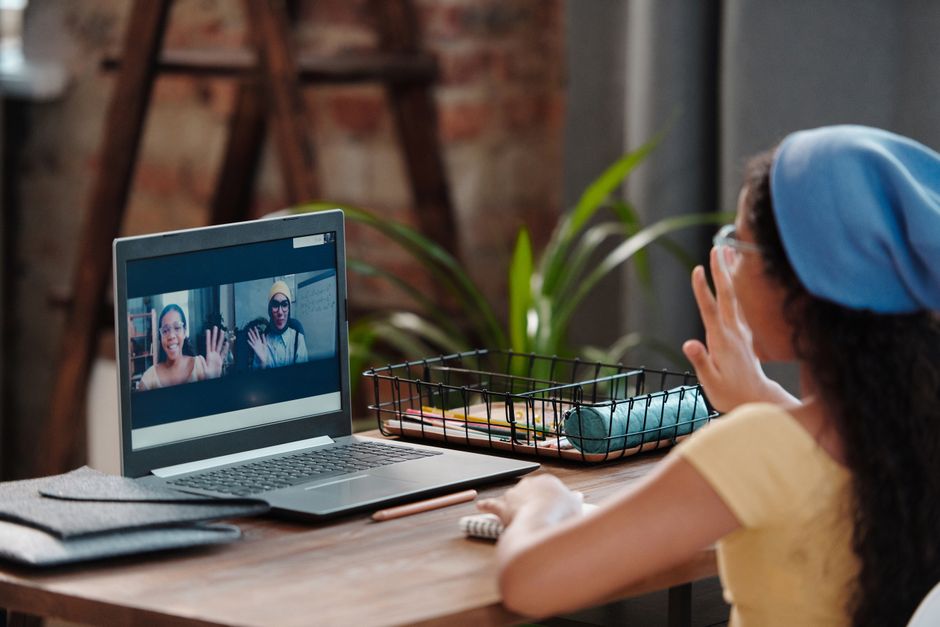
In a pre-recorded video, the instructor explains a concept once. If your kid doesn't grasp it, they're stuck. In a 1:1 session, the teacher americanspcc.org can see the specific way the blocks are snapped together and say, "Hey, look at the order of your blocks—you told the computer to wait before it said hello."
Is "Free" Actually Free?
Many parents start with the free resources provided by MIT's Scratch team. And to be clear: Scratch is the best free tool on the planet. However, the "free" price tag often comes with a hidden cost of time. If you are not a programmer, you will end up playing the role of "debug assistant."
If you have the time to sit with your child and troubleshoot their scratch chatbot project, by all means, use the free resources. But if your child is the type to throw the mouse when code doesn't work, free resources will lead to an abandoned project within a week. You are essentially trading money for peace of mind and preventing them from developing a "I'm bad at this" mindset.
How to Choose the Right Instructor
If you decide to go the route of a paid, live class, look for these three things:
- No Long Intros: The instructor should get the kid into the editor within 5 minutes. If there’s a 15-minute slide deck about the "history of computers," leave.
- Project-Based Focus: Ask, "Will my child finish a specific product by the end of the session?" If the answer is "maybe," find another teacher.
- Real-Time Debugging: Ask if the instructor shares screens to help fix errors. You want a guide, not a lecturer.
Final Thoughts: The Goal is Logic, Not Just a Chatbot
Ultimately, a kids coding chatbot is just a vehicle for learning computational thinking. Whether they build a robot that tells bad jokes or a detective who asks questions to solve a mystery, they are learning how to sequence instructions, handle data, and troubleshoot errors.
Don't be seduced by the marketing of "elite" coding schools. A 1:1 teacher who understands how to talk to a 7-year-old is worth ten times more than a high-production video course featuring flashy graphics. Keep it simple, start with that "Hello, Human!" project, and focus on the joy of making the computer respond to their input. That initial spark of "I told the computer what to do, and it listened" is the only thing that actually matters.
If your child is ready to start, go to the Scratch website, open a blank project, and try to make a sprite ask, "What is your favorite color?" If they get stuck, you’ll know exactly why—and you’ll know it’s time to find a mentor, not just another video.

Public Last updated: 2026-07-01 05:19:27 PM