Mobile Access to Music: Downloading on the Go
By MP3Juices ·
Mobile music access often comes down to two practical limits: how much data a connection can use and how much storage a phone has available. A 4-minute MP3 encoded at 128 kbps is roughly 3.8 MB, while the same track at 320 kbps is about 9.6 MB before file overhead, so repeated downloads can add up quickly.
For a useful music search, distinguish between streaming, offline listening within an app, and downloading a file you can keep. Search phrases such as mp3 music search, free music search, YouTube music search, or mp3juices may lead to different kinds of results, but availability does not by itself establish that a download is authorized or trustworthy.
Key Takeaways
- Check a source’s permission before saving or sharing music files.
- MP3 is audio-only, while MP4 can contain audio and video.
- Higher MP3 bitrate usually means larger files, not guaranteed better source quality.
- Wi-Fi downloads and offline playback can reduce mobile data use.
How can you find music on a phone without wasting data?
Start with the exact title and artist, then add a qualifier such as “official,” “live,” or “instrumental” if several versions appear. Search results can mix official releases, covers, edits, and mislabeled uploads; checking the artist, album, duration, and release source helps avoid saving the wrong track.
Compare the mobile data cost with the way you plan to listen: streaming repeatedly uses data, whereas an authorized offline download can be played again without another transfer. If a service offers quality controls, select a lower streaming setting on cellular data and reserve larger downloads for Wi-Fi; a familiar mp3juices.art song search can be one reference point when comparing how search results are presented, but verify each result independently.

What search details help identify the right version?
Use distinctive details rather than broad terms alone: a featured artist, album name, language, or version label can narrow results substantially. For a YouTube music search, look for the channel and release context, because a video title may be incomplete and a fan upload may not match the official recording.
Before opening or saving a result, check whether the page identifies the rights holder and states what use is permitted. Services such as mp3 juice or mp3juice may appear in searches for free MP3 download options, but a searchable file is not automatically free of copyright restrictions, and suspicious pop-ups or requests for unrelated permissions are reasons to leave.
MP3 vs MP4: which format suits mobile listening?
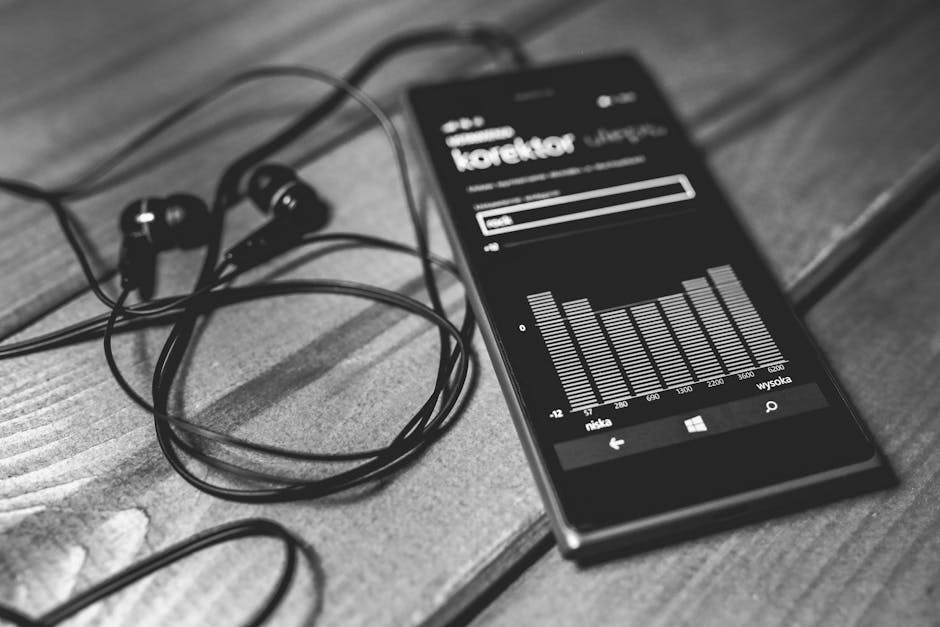
MP3 is a compressed audio format designed for sound, so it is generally a straightforward choice for music files and works with many players. MP4 is a container that can hold video, audio, subtitles, and other data; an MP4 music video may therefore take much more storage than an audio-only version of the same song.
The trade-off is purpose, not simply quality: choose MP3 when you need a compact audio file, and MP4 when you want the accompanying video or a format specifically supported by your playback app. A label such as “MP4 music download” describes a container, not the audio fidelity inside it, so check the actual audio codec and available quality details where the source provides them.
When is an MP4 download worth the extra storage?
An MP4 can make sense when the visual performance is part of the experience, such as a concert clip or a music video watched offline. If you only want background listening, the video data offers little benefit while consuming space and potentially taking longer to transfer over a limited connection.
For example, suppose an audio-only track is 5 MB and its video version is 80 MB; downloading ten of each would use about 50 MB versus 800 MB. These figures are illustrative, not fixed format sizes, but the comparison shows why checking file size before tapping download matters on a phone with constrained storage.
What MP3 bitrate should you choose for sound and storage?
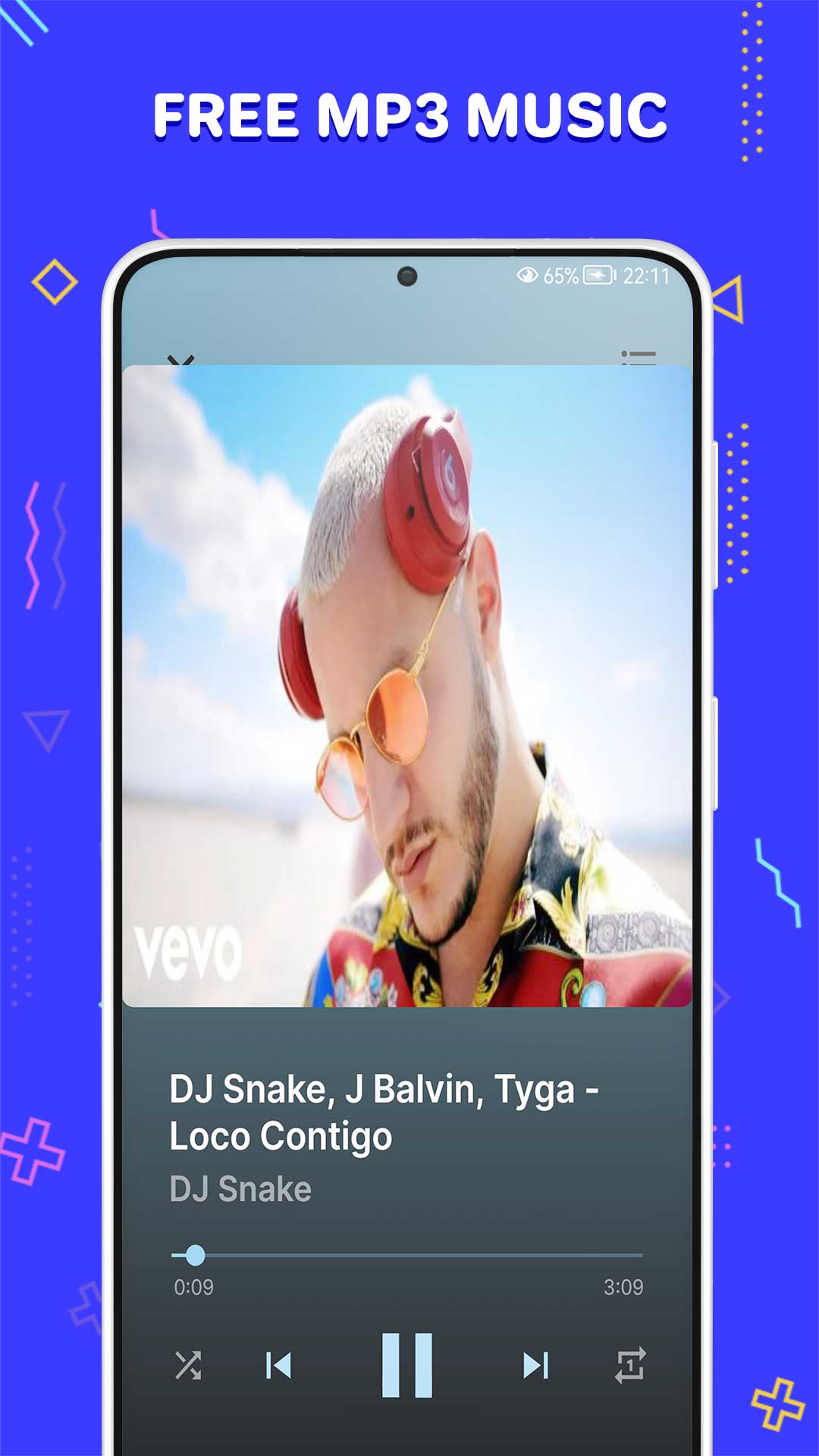
Bitrate describes how many bits are used per second of encoded audio; for MP3, common options include 128, 192, and 320 kbps. At the same duration, a higher bitrate generally produces a larger file and can preserve more detail from the source, but it cannot restore information missing from a low-quality recording or earlier conversion.
To estimate size, multiply bitrate in kilobits per second by duration in seconds, then divide by eight to get kilobytes, allowing a little extra for file overhead. For a 4-minute song at 192 kbps, 192 × 240 ÷ 8 gives 5,760 KB, or roughly 5.8 MB; this provides a practical estimate before a batch of tracks fills the phone.
How should you balance sound quality and phone storage?
For casual listening through a phone speaker or in a noisy commute, a moderate bitrate may be a reasonable storage compromise. Headphones and quiet listening can make encoding differences easier to notice, but the recording, master, playback equipment, and listener all affect perceived quality, so the largest bitrate is not automatically the best choice.
When comparing sources, avoid judging a track by its bitrate label alone: a file re-encoded from a lower-quality copy may report 320 kbps without containing the detail of a genuine high-quality source. Readers comparing music search options can consult mp3juices.art online music for another perspective, while checking the file’s origin and playing a short sample remains more useful than trusting a number in isolation.
How do you download music safely and manage it offline?
Use services that clearly explain licensing and download permissions, and prefer official artist, label, or platform pages when available. Free access can mean ad-supported streaming, a permitted promotional download, or a public-domain recording; those are different arrangements, so read the terms rather than assuming every result from a free mp3 download search may be kept or shared.
- Confirm that the source permits downloading and offline use.
- Check the artist, title, version, and file size before saving.
- Use Wi-Fi for large transfers when practical.
- Review app permissions and avoid unfamiliar installers or extensions.
- Keep enough free storage for downloads and phone updates.
One simple routine is to search while connected to Wi-Fi, verify the version and permissions, download only the tracks needed for an upcoming trip, then test playback with mobile data turned off. For instance, a listener planning a 30-minute commute can save a short playlist rather than an entire album collection, reducing both transfer time and the chance of storing duplicate or mislabeled files.

What should you do if a download looks suspicious?
Cancel if a page redirects repeatedly, asks you to install an unrelated app, or disguises an advertisement as a download button. A file extension that does not match the promised format, an unexpected executable file, or a request for account details unrelated to playback also warrants caution; delete an untrusted file without opening it.
Online music searching has convenience on one side and uncertainty on the other: results can be quick to discover, but source permissions, quality, and file safety require checking. A second learn more about music search may help you compare approaches to finding songs, yet no search phrase—including YouTube to MP3—can substitute for confirming that the source permits the intended download.
Frequently Asked Questions
How much mobile data does a 4-minute MP3 download use?
As a rough estimate, a 128 kbps MP3 uses about 3.8 MB, while a 320 kbps version uses about 9.6 MB. Actual size varies with encoding and file overhead, and video files can be much larger.
Can I convert a YouTube music search result into an MP3?
Only use conversion or download methods when the rights holder or service permits them. Check the platform’s terms and the specific track’s permissions; a publicly viewable video is not automatically authorized for extraction or offline redistribution.
Does a 320 kbps MP3 always sound better than a 128 kbps file?
No. A higher bitrate can preserve more detail when encoded from a good source, but it cannot improve a poor recording or reverse earlier quality loss. Compare the same track and source on your usual headphones before deciding whether the larger file is worthwhile.
Why does an MP4 music download use more storage than an MP3?
MP4 may contain video alongside audio, so its size depends on the picture resolution, duration, and encoding. If you only need to listen, an authorized audio-only option is usually more storage-efficient.
What is the safest way to prepare music for a trip with limited data?
On Wi-Fi, download a small playlist from a source that permits offline use, check each file’s title and size, then test playback with cellular data disabled. This confirms the files are available offline before you leave.