Smart Saving Tips for Online Shopping
Online shopping offers convenience, but without proper strategies, it’s easy to overspend. Here are some proven tips to help you save money while enjoying the best deals:
1. Use Coupon Codes and Promo Offers
Search for Coupons: Before making a purchase, search for coupon codes on websites like RetailMeNot or Honey.
Sign Up for Newsletters: Many retailers offer discounts for first-time subscribers.
2. Shop During Sales
Seasonal Sales: Look for sales during holidays like Black Friday, Cyber Monday, or end-of-season clearances.
Flash Sales: Watch for short-term discounts on popular e-commerce platforms.
3. Compare Prices
Use comparison tools like Google Shopping or PriceGrabber to ensure you're getting the best deal.
Check multiple retailers for the same product to find price differences.
4. Abandon Your Cart
Add items to your cart and leave them for a day or two. Many retailers send discount codes to encourage you to complete your purchase.
5. Opt for Free Shipping
Look for stores offering free shipping promotions.
Join loyalty programs like Amazon Prime or Target Circle to get shipping perks.
6. Use Cashback Apps and Websites
Platforms like Rakuten, Swagbucks, or Ibotta offer cashback on online purchases.
Use credit cards with cashback rewards to double the savings.
7. Buy in Bulk
For items you frequently use, consider buying in bulk for better discounts.
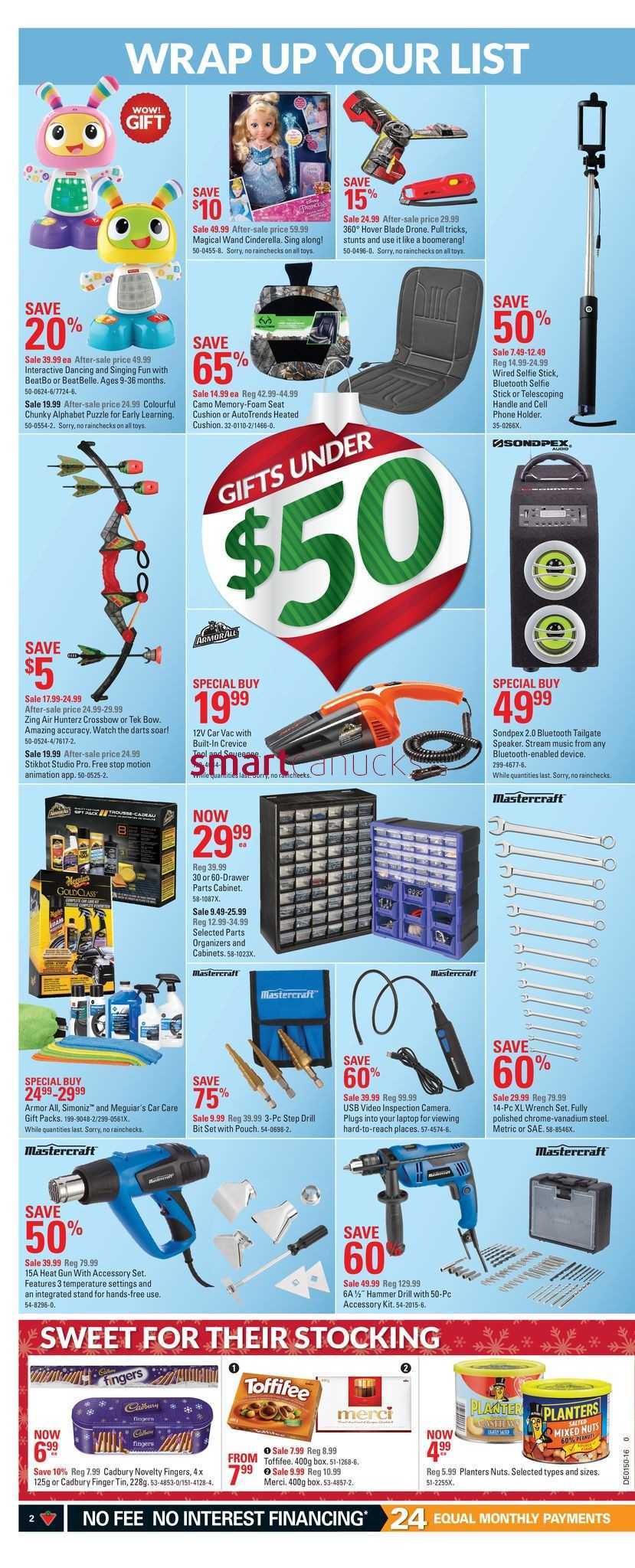
Subscribe and save options can reduce costs on repeat purchases.
8. Wait for Discount Alerts
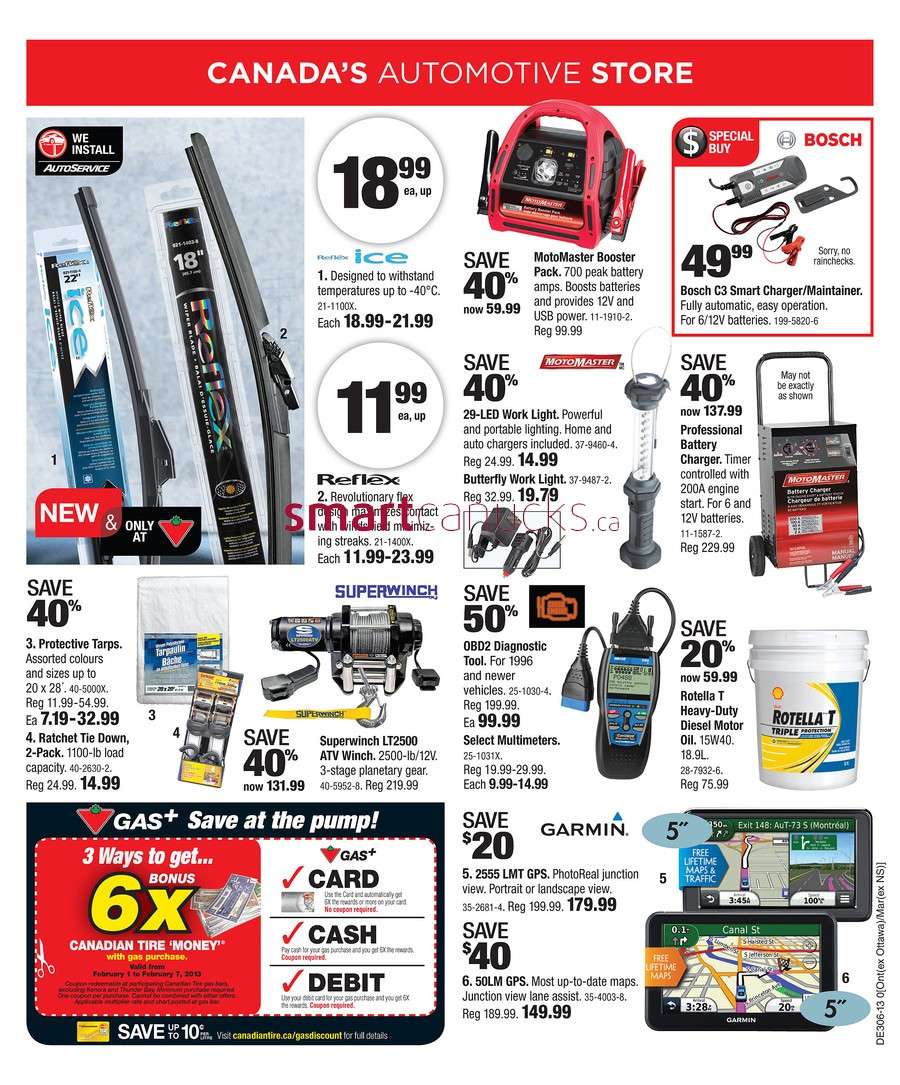
Use tools like CamelCamelCamel for Amazon price tracking.
Set up price drop notifications through apps like Honey or Slickdeals.
9. Shop Off-Season
Purchase holiday decor, winter clothes, or outdoor gear during off-peak seasons for major discounts.
10. Check for Student, Military, or Senior Discounts
Many online stores provide exclusive discounts for students, military personnel, or seniors. Always check eligibility.
With these savvy shopping tips, you can keep your online purchases budget-friendly without compromising on quality. Which of these tips have you tried, or do you have more to add? Share below!
1. Use Coupon Codes and Promo Offers
Search for Coupons: Before making a purchase, search for coupon codes on websites like RetailMeNot or Honey.
Sign Up for Newsletters: Many retailers offer discounts for first-time subscribers.
2. Shop During Sales
Seasonal Sales: Look for sales during holidays like Black Friday, Cyber Monday, or end-of-season clearances.
Flash Sales: Watch for short-term discounts on popular e-commerce platforms.
3. Compare Prices
Use comparison tools like Google Shopping or PriceGrabber to ensure you're getting the best deal.
Check multiple retailers for the same product to find price differences.
4. Abandon Your Cart
Add items to your cart and leave them for a day or two. Many retailers send discount codes to encourage you to complete your purchase.
5. Opt for Free Shipping
Look for stores offering free shipping promotions.
Join loyalty programs like Amazon Prime or Target Circle to get shipping perks.
6. Use Cashback Apps and Websites
Platforms like Rakuten, Swagbucks, or Ibotta offer cashback on online purchases.
Use credit cards with cashback rewards to double the savings.
7. Buy in Bulk
For items you frequently use, consider buying in bulk for better discounts.
Subscribe and save options can reduce costs on repeat purchases.
8. Wait for Discount Alerts
Use tools like CamelCamelCamel for Amazon price tracking.
Set up price drop notifications through apps like Honey or Slickdeals.
9. Shop Off-Season
Purchase holiday decor, winter clothes, or outdoor gear during off-peak seasons for major discounts.
10. Check for Student, Military, or Senior Discounts
Many online stores provide exclusive discounts for students, military personnel, or seniors. Always check eligibility.
With these savvy shopping tips, you can keep your online purchases budget-friendly without compromising on quality. Which of these tips have you tried, or do you have more to add? Share below!

Public Last updated: 2024-12-02 03:42:20 AM